
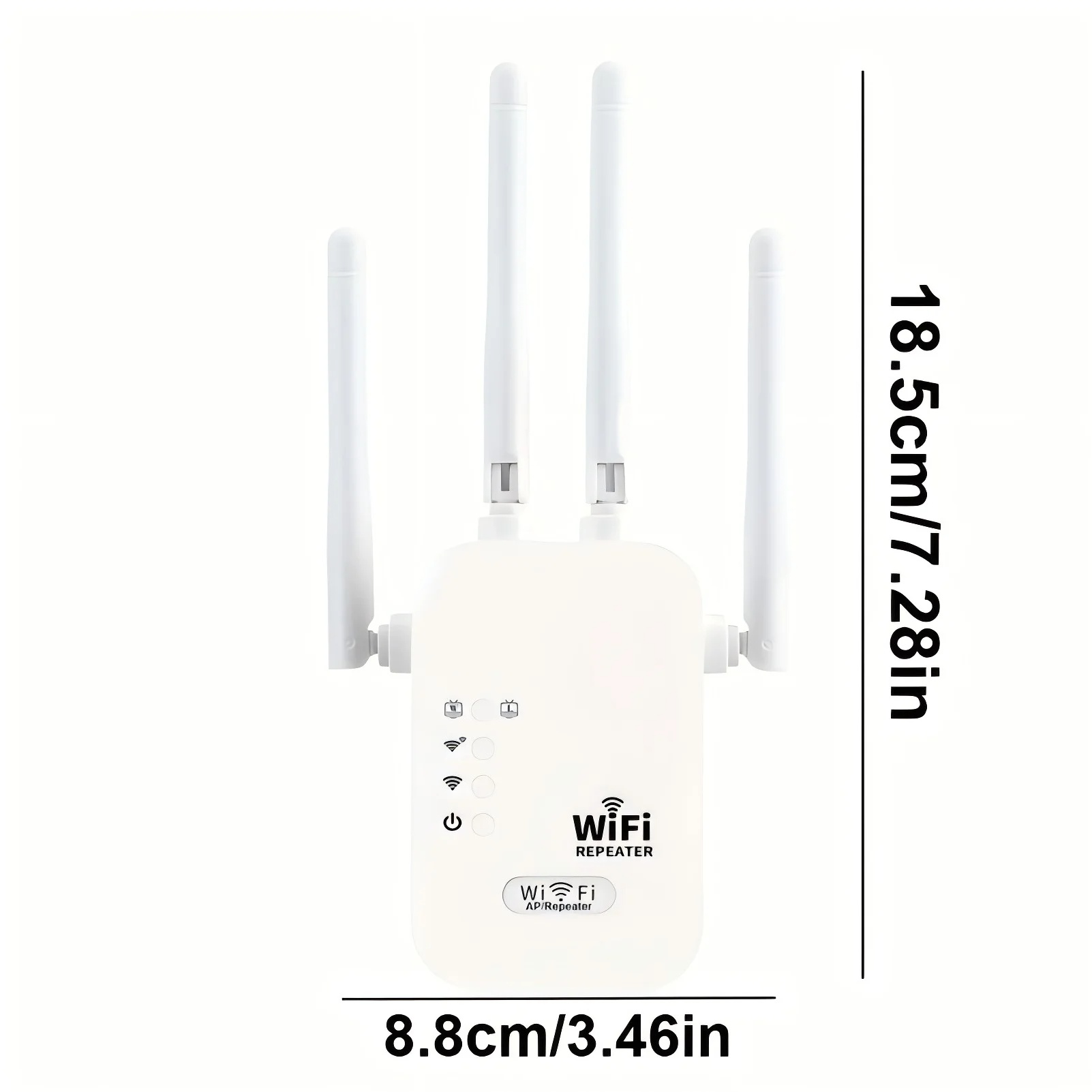
Description
Wireless WiFi 6 Repeater User Manual
1. Product Overview
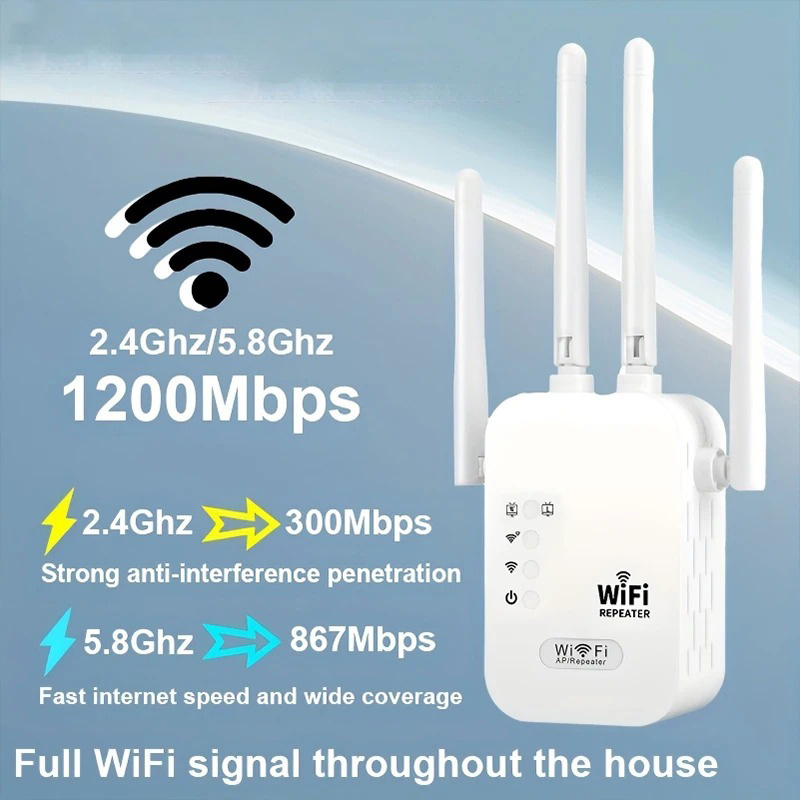
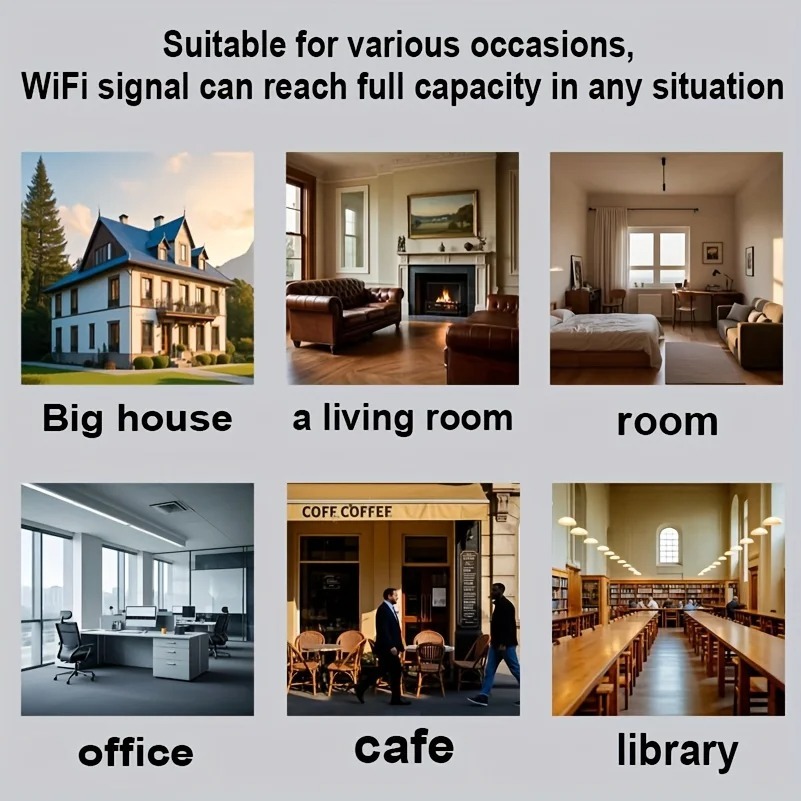
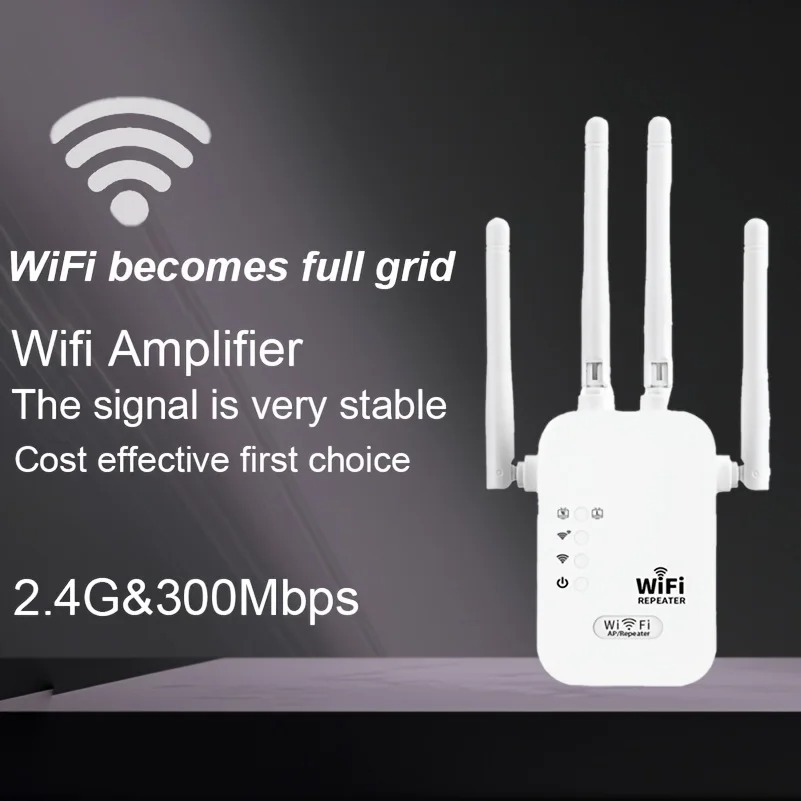
The dual-band WiFi 6 wireless repeater is a signal-boosting device that supports both 2.4 GHz and 5 GHz bands, delivering speeds of up to 1200 Mbps. It is specifically designed to address common WiFi issues—such as weak signals, dead zones, and unstable network speeds—in homes, offices, retail spaces, and other environments. By capturing and amplifying the signal from your existing WiFi router, this repeater extends WiFi coverage over long distances and ensures a stable Internet connection in previously hard-to-reach areas like bedrooms, balconies, bathrooms, and hallways.
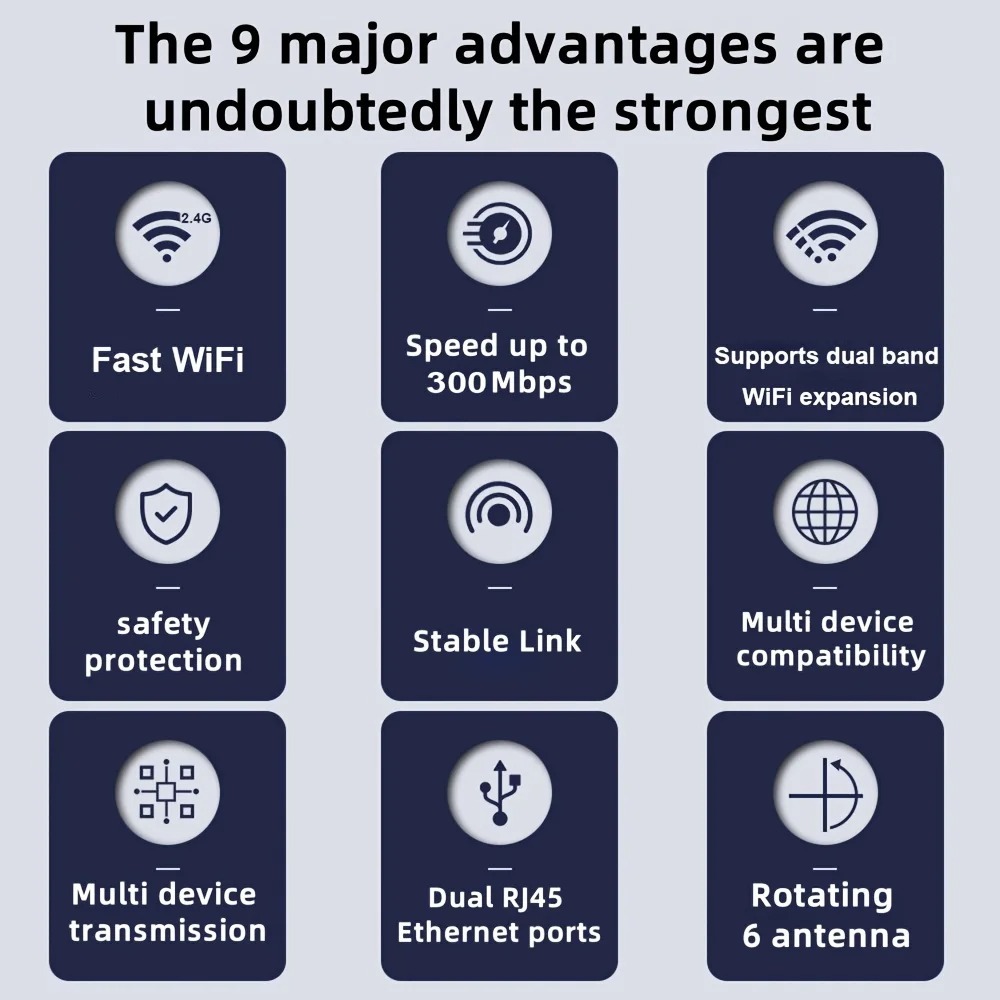
Powered by advanced WiFi 6 technology, the repeater offers reduced latency, improved interference resistance, and more stable connections for multiple devices. It is widely compatible with smartphones, computers, TVs, smart home devices, and other wireless terminals. The device features plug-and-play functionality, allowing users to complete setup quickly without requiring technical networking knowledge.
2. Pre-installation Preparation
Before use, ensure the device and its accessories—including the main repeater unit and this user manual—are intact. Position the repeater between your main router and the WiFi dead zone so that it can reliably receive the router’s signal. Avoid placing the device near metal obstacles, thick walls, microwaves, induction cooktops, cordless phones, or other strong sources of interference, as these can degrade signal quality and reduce network speed.
The installation environment should be dry, well-ventilated, and cool, and free from high temperatures or excessive humidity, to prevent device damage and ensure stable operation. 3. Two configuration methods
(1) WPS one-touch connection (recommended)
Plug the repeater into a wall outlet near your main router and wait for the indicator light to turn on and enter pairing mode.
Press the WPS button on your main router within one minute; the WPS indicator will typically flash rapidly.
Immediately press the WPS button on the repeater and wait for the automatic connection to complete.
If the indicator light remains solid green or blue, pairing is successful.
Unplug the repeater and place it in the ideal location for full signal coverage. This method does not require entering a password and is suitable for users unfamiliar with network settings.
(2) Configuration via the web management interface (compatible with all routers)
Connect your phone or computer to the repeater’s default Wi-Fi network (listed on the device label).
Open a browser and enter the management IP address (usually 192.168.x.x) or scan the QR code found in this manual.
Log in using the default administrator password to launch the setup wizard.
Select your main router’s Wi-Fi network name and enter the correct Wi-Fi password.
Set the name and password for the extended network. Using the same name and password as your main router enables seamless roaming.
Save the settings and wait for the device to reboot. A solid indicator light indicates that configuration is complete.
4. Usage and placement tips
Proper placement directly determines Wi-Fi performance. The optimal location is midway between the router and the area with a weak signal to ensure strong reception and effective amplification. Placing it too far away results in slow speeds and frequent connection drops, while placing it too close limits the coverage range. Dual-band usage:
Connect to the 5 GHz band for short distances and high-speed needs (faster speeds, lower latency).
Opt for the 2.4 GHz band for longer distances and to penetrate walls (more stable and extensive coverage).
The repeater supports simultaneous connections for multiple devices. For optimal stability, turn the repeater off and back on every 7 to 15 days.
5. LED Status
Steady light: Device powered on normally.
Flashing light: Starting up or establishing a connection.
Steady green/blue light: Connection established, good signal.
Flashing red or steady yellow light: Weak signal; move closer to the router.
All lights off: Check the power supply or for a device malfunction.
6. Factory Reset
If you have forgotten your password, misconfigured settings, cannot connect, or are changing your usage environment, perform a reset:
Using a pin or toothpick,


Avis
Il n’y a pas encore d’avis.